Inventory and approvals had to fit the work
An internal ERP initiative began with inventory tracked in spreadsheets and purchase approvals handled through paper-based routines. Replacing the tools meant understanding who requested an item, how it moved through approval and what information people needed to act.
My contribution was business analysis and product scope: interviewing stakeholders, observing the inventory process and translating it into workflows, approval rules, data models and reporting requirements. Engineering implementation was separate from that work.
Define the operating rules before broadening the product
The MVP scope connected inventory intake, asset assignment and procurement requests. The important distinction was between the workflow people needed to complete and the larger list of capabilities an ERP could eventually contain. Vendor management, maintenance requests and asset depreciation were considered future scope rather than evidence of a finished operating system.
Approval chains, validation failures and escalation paths needed a place in the requirements. A normal purchase request alone would leave engineering to infer how an exception should behave. I documented those rules alongside the user stories and acceptance criteria.
Make the scope inspectable from several angles
The work included a work breakdown, epics and user stories, acceptance criteria, annotated wireframes, process diagrams and an entity-relationship model. The wireframes covered inventory and procurement actions, notifications and audit trails; the diagrams connected the screens to process and data responsibilities.
| Work boundary | Requirement to make visible | Why the next team needs it |
|---|---|---|
| Inventory intake | Item and assignment relationships | Screens and records describe the same item |
| Purchase request | Approval chain and validation rules | A request has a route to an authorized decision |
| Exception | Failure and escalation path | An unresolved approval has an owner |
Dashboard requirements included inventory segmentation, demand projections and procurement alerts. These were proposed ways to make the operating state visible. Designing a measure is a different result from demonstrating that the measure improved.
The result was workflow definition and MVP support
The supported result is an implementable ERP scope with MVP delivery support. Organization-wide adoption, production use and operating impact remain unconfirmed.
A useful scope includes the decisions behind the screens
My reflection is that an ERP requirement should make the responsibility and exception clear enough for someone to challenge it. A screen inventory can show the breadth of a product while leaving the approval decision unresolved. A workflow, rule and acceptance example give the team something more concrete to review.
Explore help with an existing product or operating constraint
Use the software investment decision guide
Check how an operating workflow crosses systems
Keep a waiting decision moving
Making the handoff reviewable
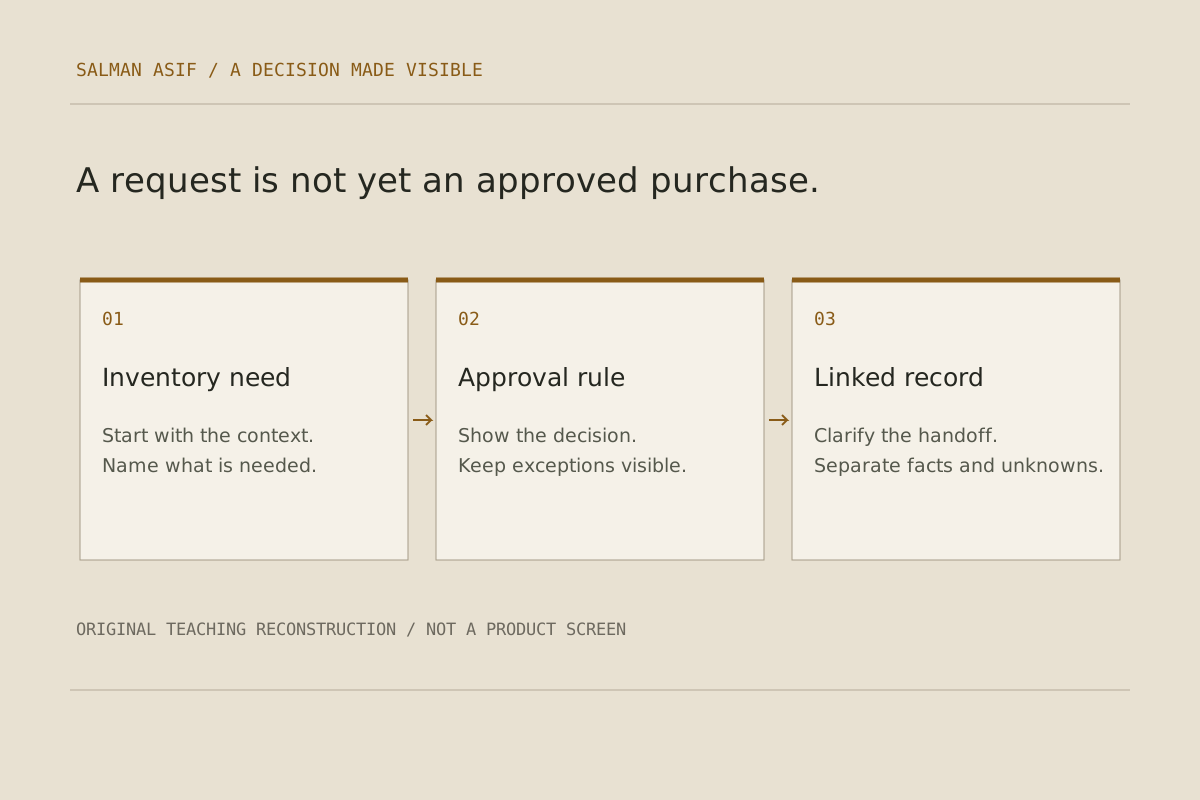
A request screen was only one part of the requirement. The scope also had to explain the item being requested, the authority needed for a decision, the validation failures and the route for an unresolved approval. I connected those questions across workflows, wireframes, data relationships and acceptance criteria so the receiving team had more than a screen inventory to review.
The reconstructed illustration below makes those relationships inspectable. It explains the type of work in the scope; it is not a screenshot, recovered client artifact or evidence of operational savings.